FreeScanner
Document scanner and PDF organizer
Scan, edit and search PDFs without an account. Cloud backup is optional.


Paper to PDF. Simply done.
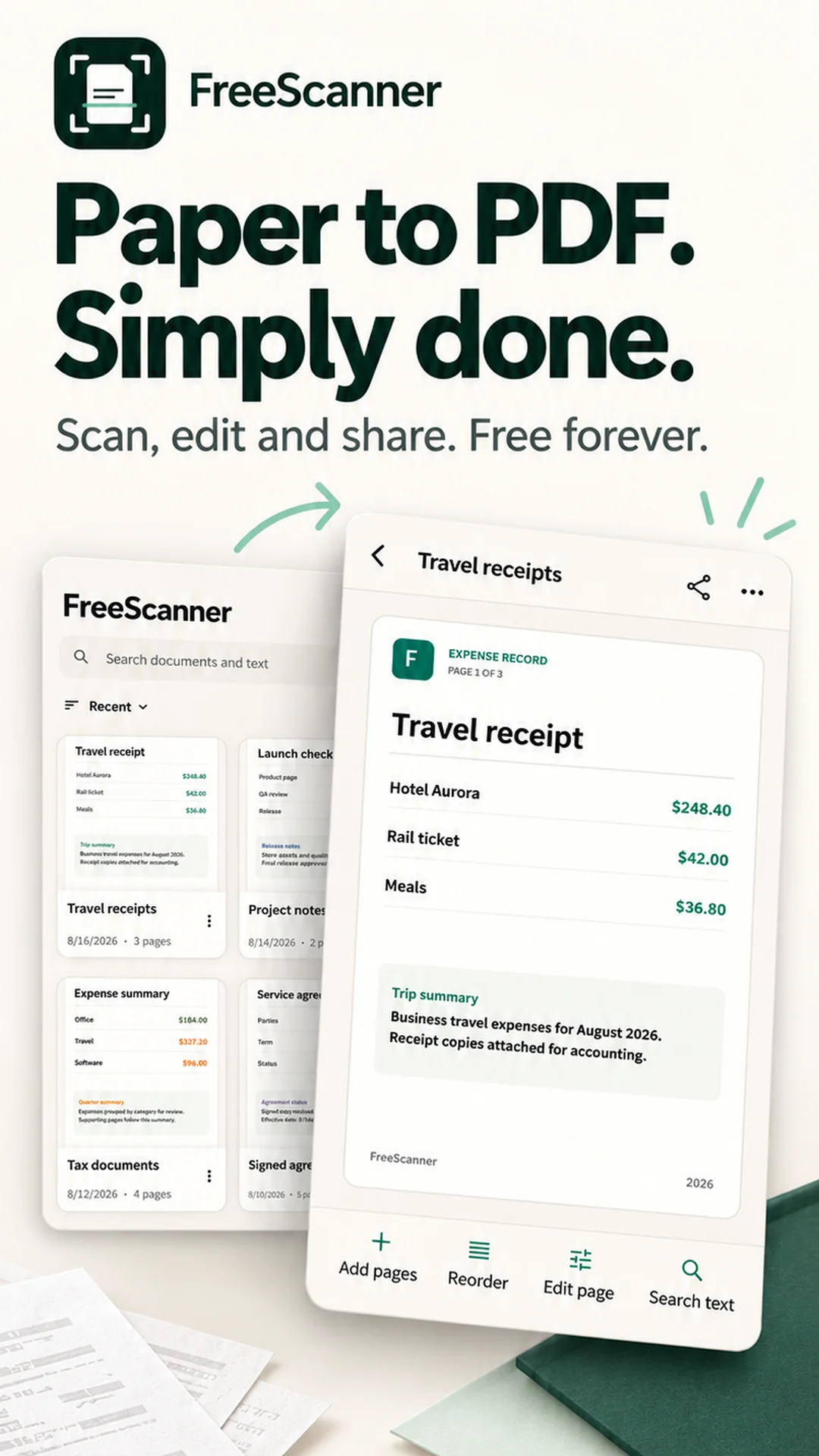
Turn receipts, notes, forms and everyday paperwork into PDFs. Scanning, editing, OCR search and local PDF tools are free forever. No account is needed to get started.
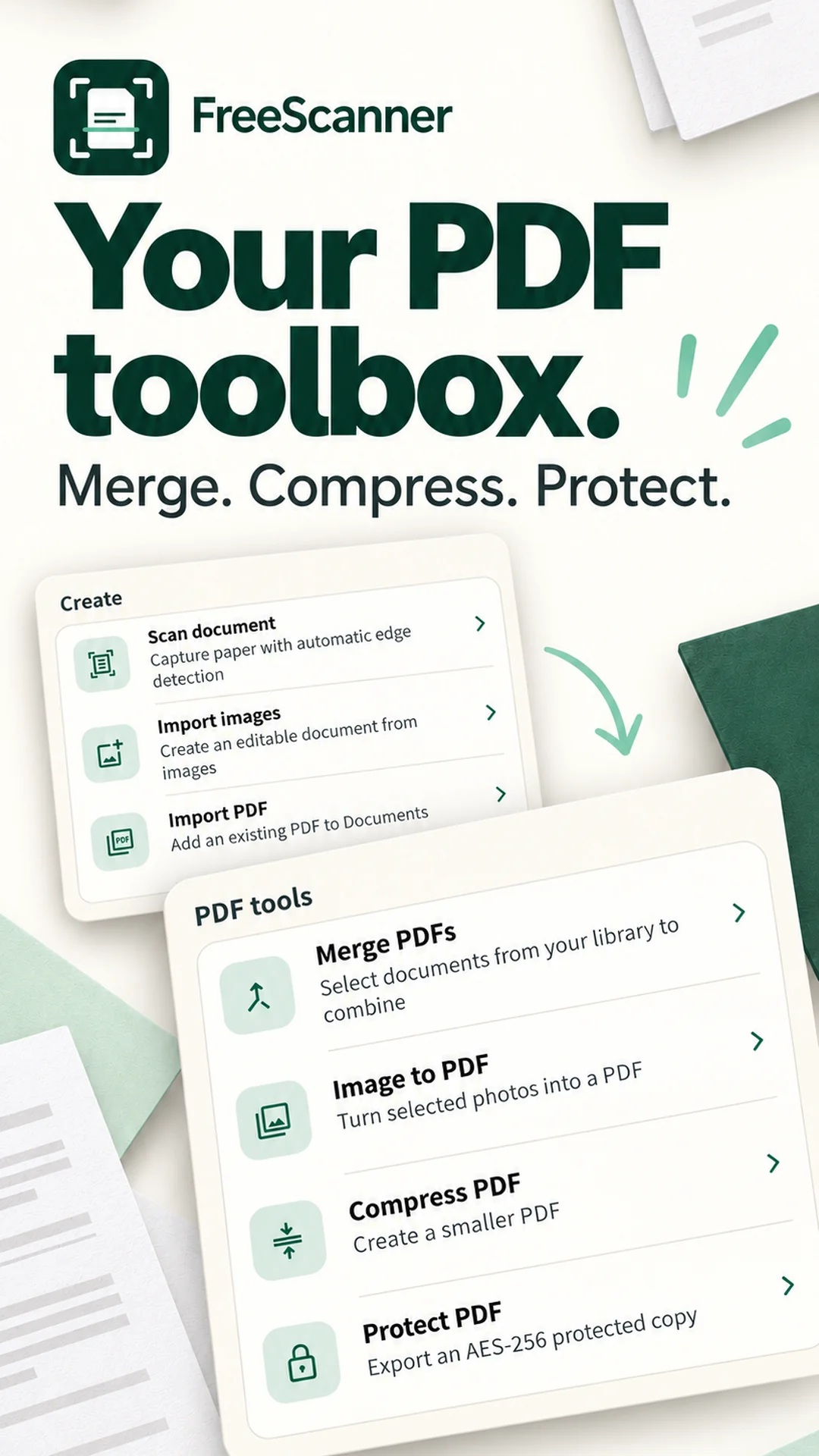
SCAN TO PDF Capture multiple pages with automatic edge detection, or import photos and existing PDFs. Keep the pages together in one document.
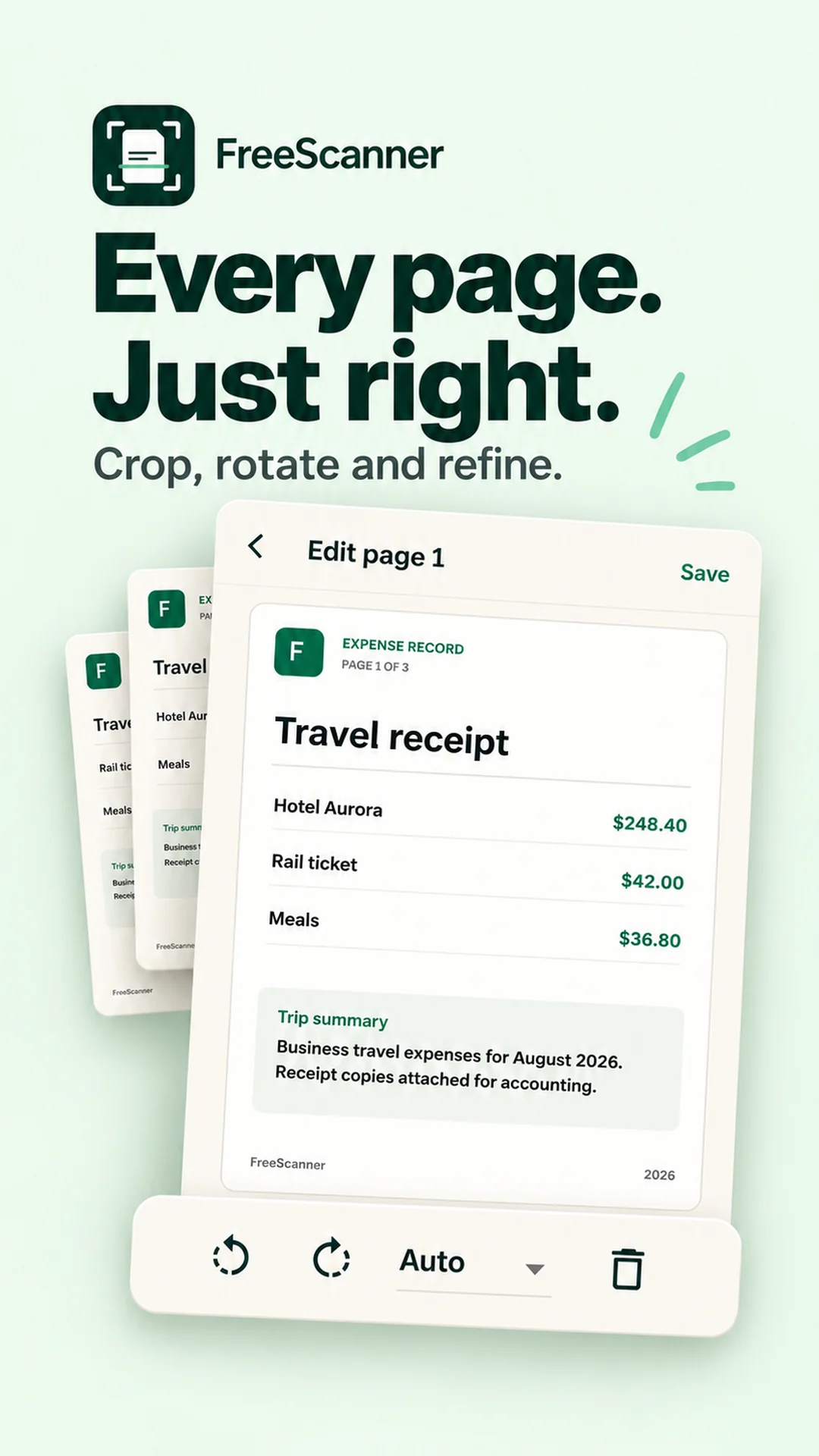
CROP. ROTATE. REFINE. Adjust the crop, rotate pages, apply filters and reorder your scan before exporting.
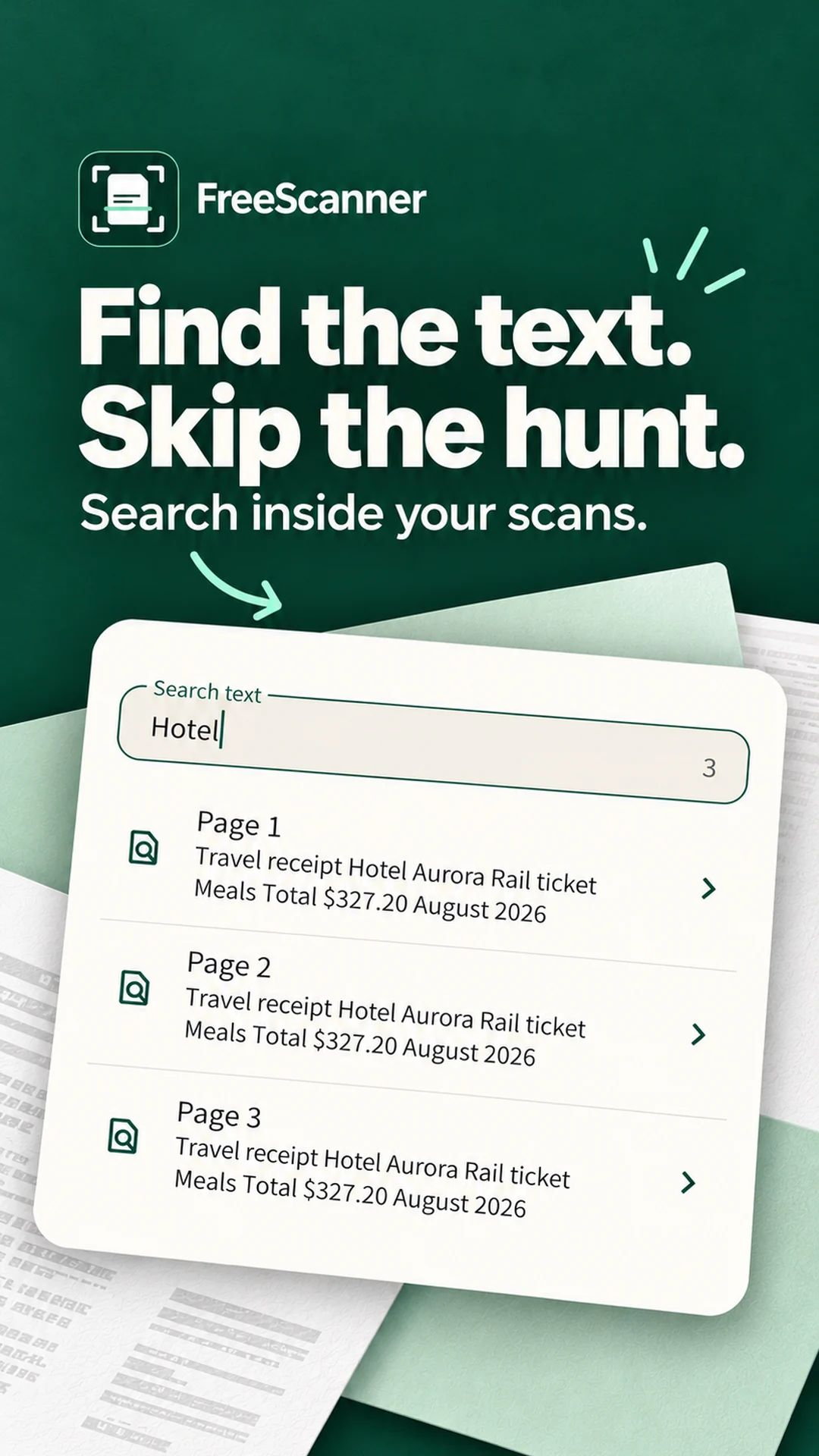
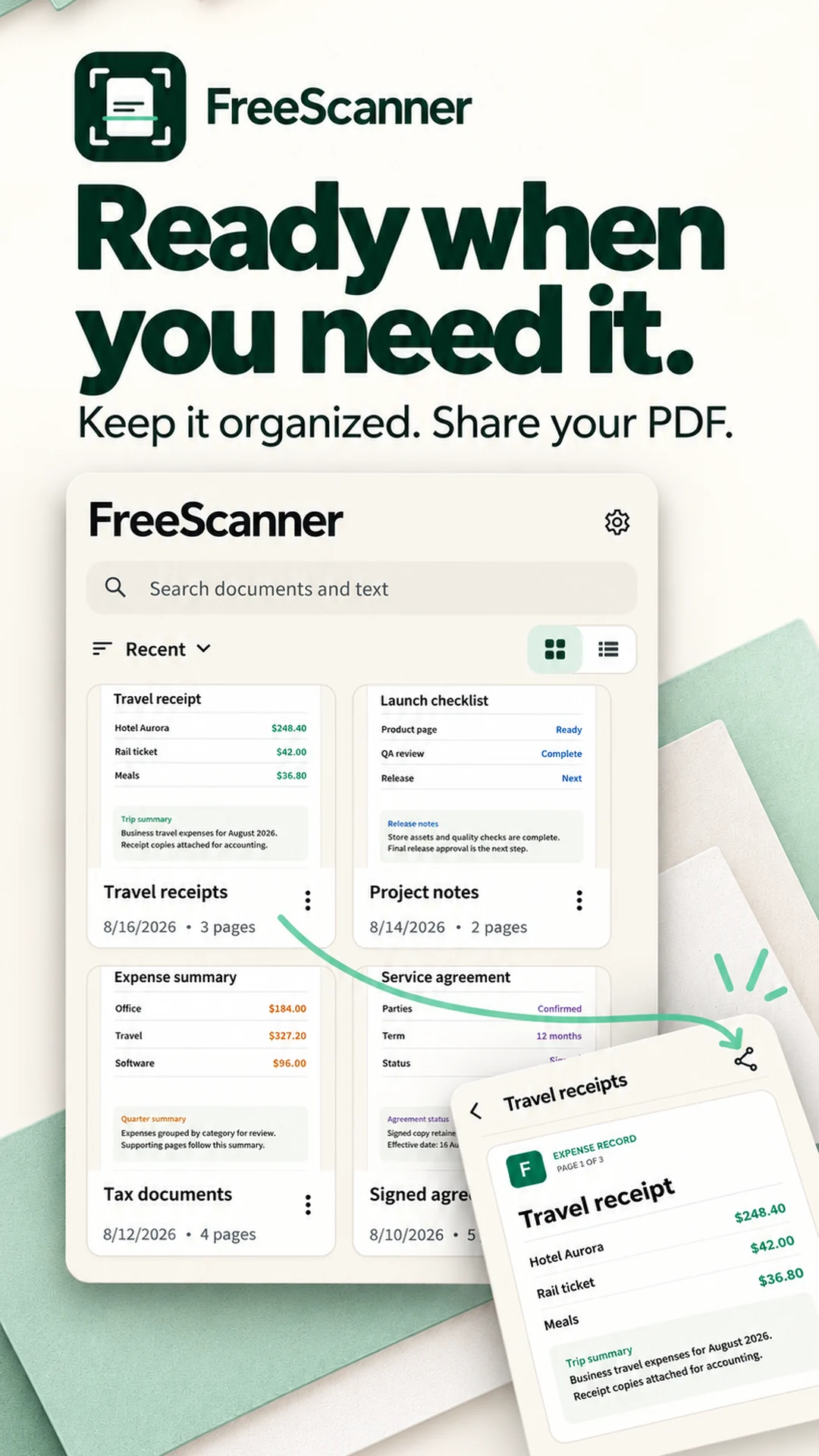
FIND THE TEXT YOU NEED Search document names and recognized text. See matching pages and jump straight to the result.
YOUR EVERYDAY PDF TOOLS Merge PDFs, turn images into a PDF, compress a file or export an AES-256 password-protected copy. These local tools are included for free.
READY TO SHARE Keep documents in a grid or list, open a saved scan and export the finished PDF when you need it.
LOCAL-FIRST, WITH OPTIONAL CLOUD SERVICES Scan, edit, search and export on your device, even without an internet connection. Optional FreeScanner Plus subscriptions add cloud backup, cross-device access and the FreeScanner Web workspace. Local scanning tools do not require a subscription.
Subscriptions renew automatically unless canceled through Google Play. Manage or cancel your subscription in Google Play.
Privacy Policy: https://freescanner.secondwindltd.xyz/privacy Terms of Service: https://freescanner.secondwindltd.xyz/terms
Make FreeScanner part of your day
FreeScanner is designed for people managing receipts, forms, notes, contracts, study material, travel documents, signed pages, and other everyday paperwork. It fits users who need a scanner to remain useful with an unreliable connection, and want to find text inside the app while keeping the option to finish organizing documents from another device. The product keeps capture, editing, in-app text search, image-based PDF export, optional sync, and Web organization inside one document workflow.
Capture
Scan paper with the phone camera or import existing images and PDFs while the source material is available.
Finish the pages
Crop, rotate, enhance, reorder, merge, and save the document as a PDF. Search OCR-recognized text in FreeScanner; the exported PDF contains page images without an OCR text layer.
Continue where it is useful
Keep the document on the device, or sign in for optional private sync and continue organizing eligible documents in the Web workspace.
Explore with FreeScanner
How to choose a PDF scanner without an account
Learn how to evaluate a PDF scanner without mandatory sign-in, including local capture, OCR, export, optional sync, deletion, and offline behavior.
Why you can search a scan in an app but not its exported PDF
Learn how an app OCR index differs from text embedded in a PDF, test both search surfaces, and see why FreeScanner exports image-based PDFs.
How to scan documents into searchable PDFs
A practical workflow for scanning paper into searchable PDFs with better capture, OCR, page order, naming, export, and verification.