Solvegro
Homework scanner and photo answers
Snap a question or import a PDF for AI answers across school subjects.

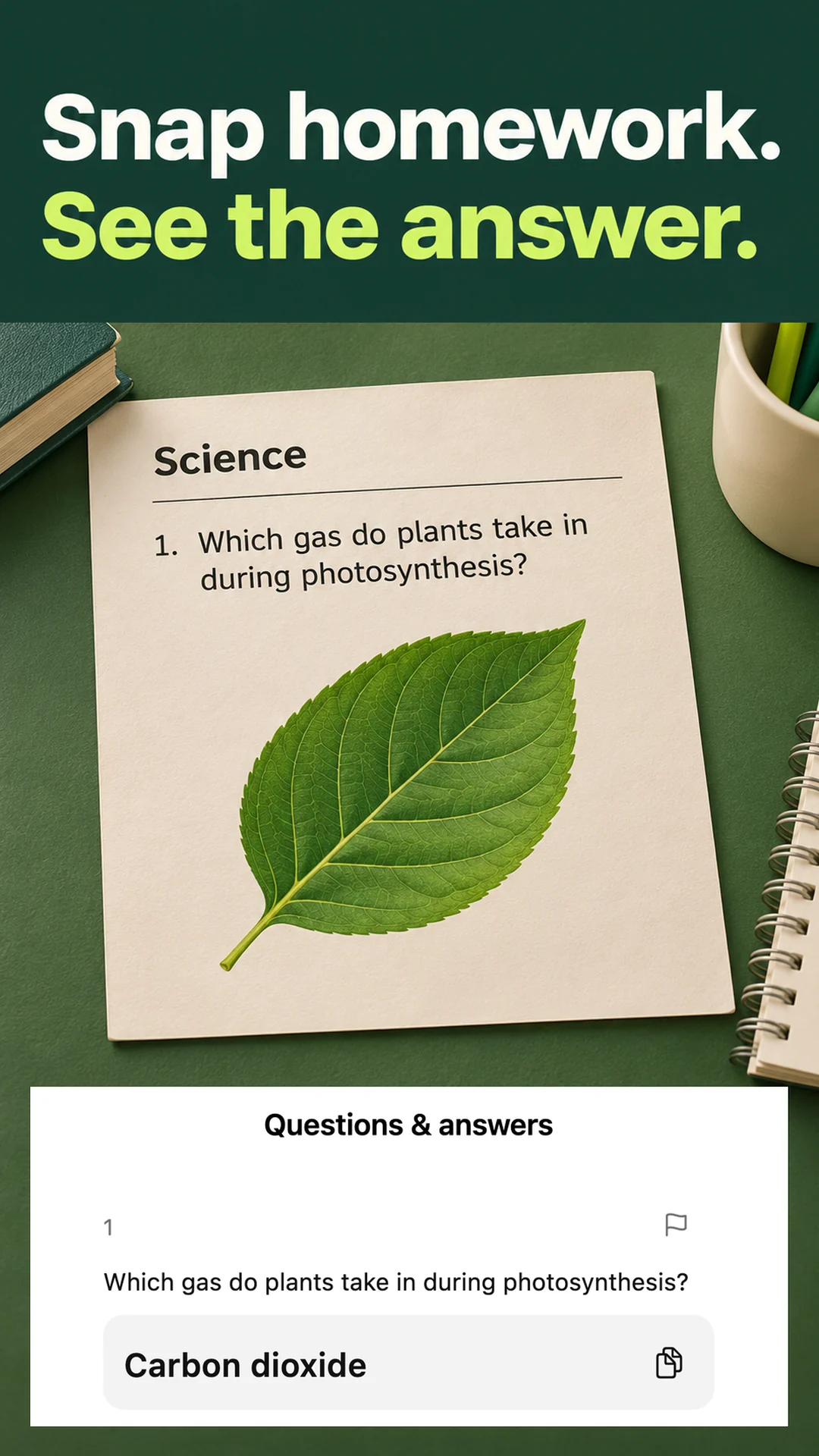
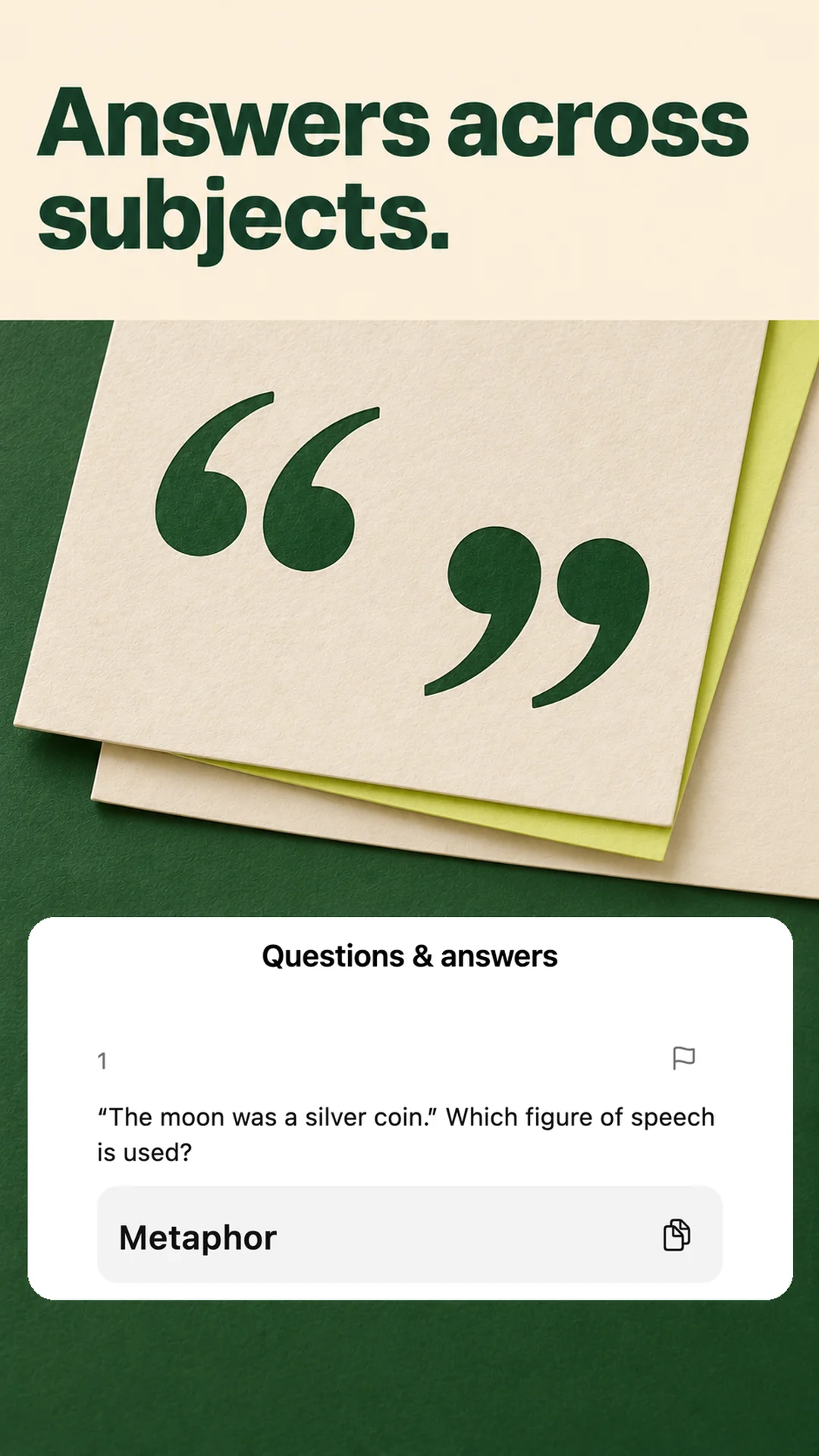
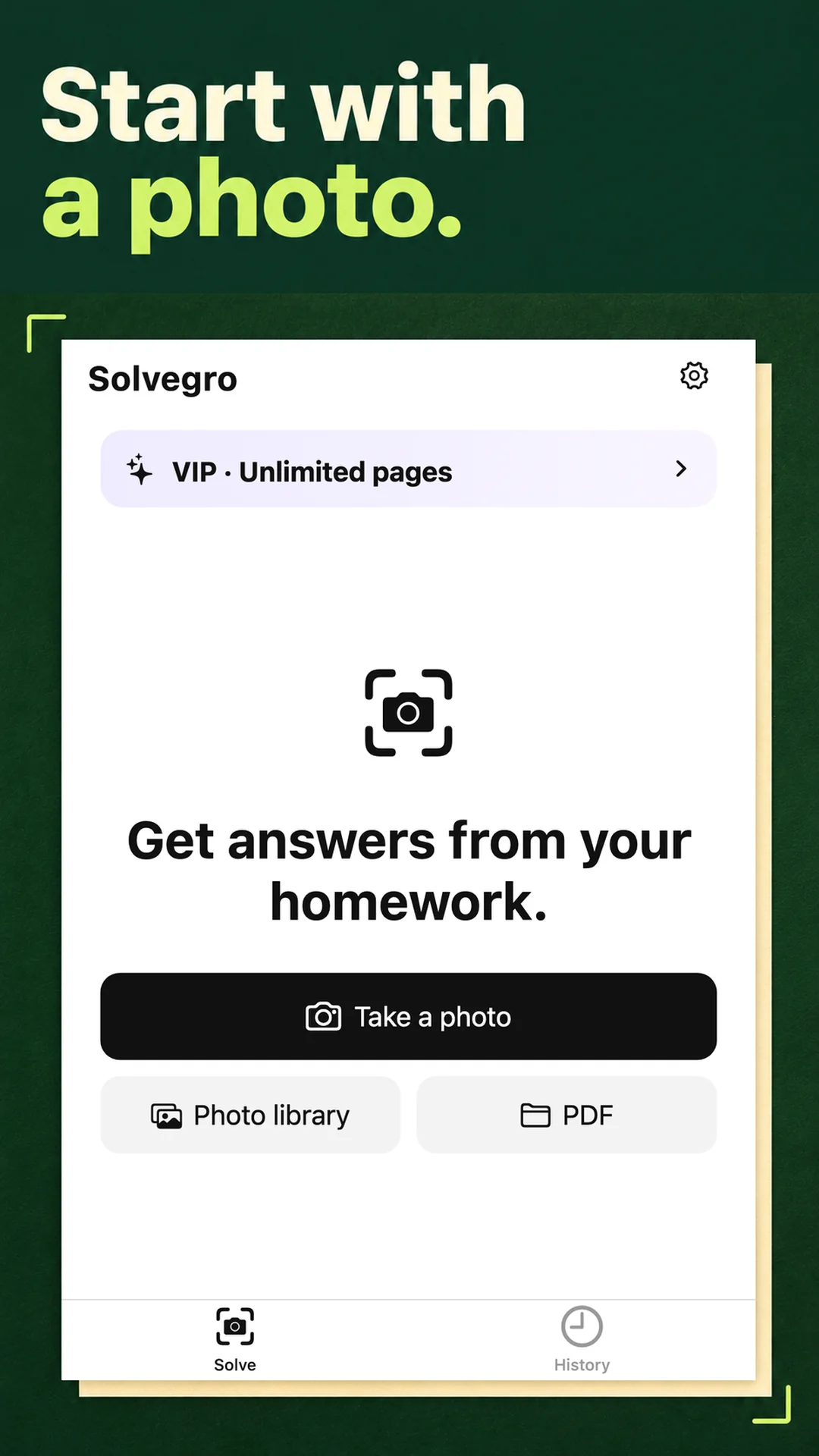
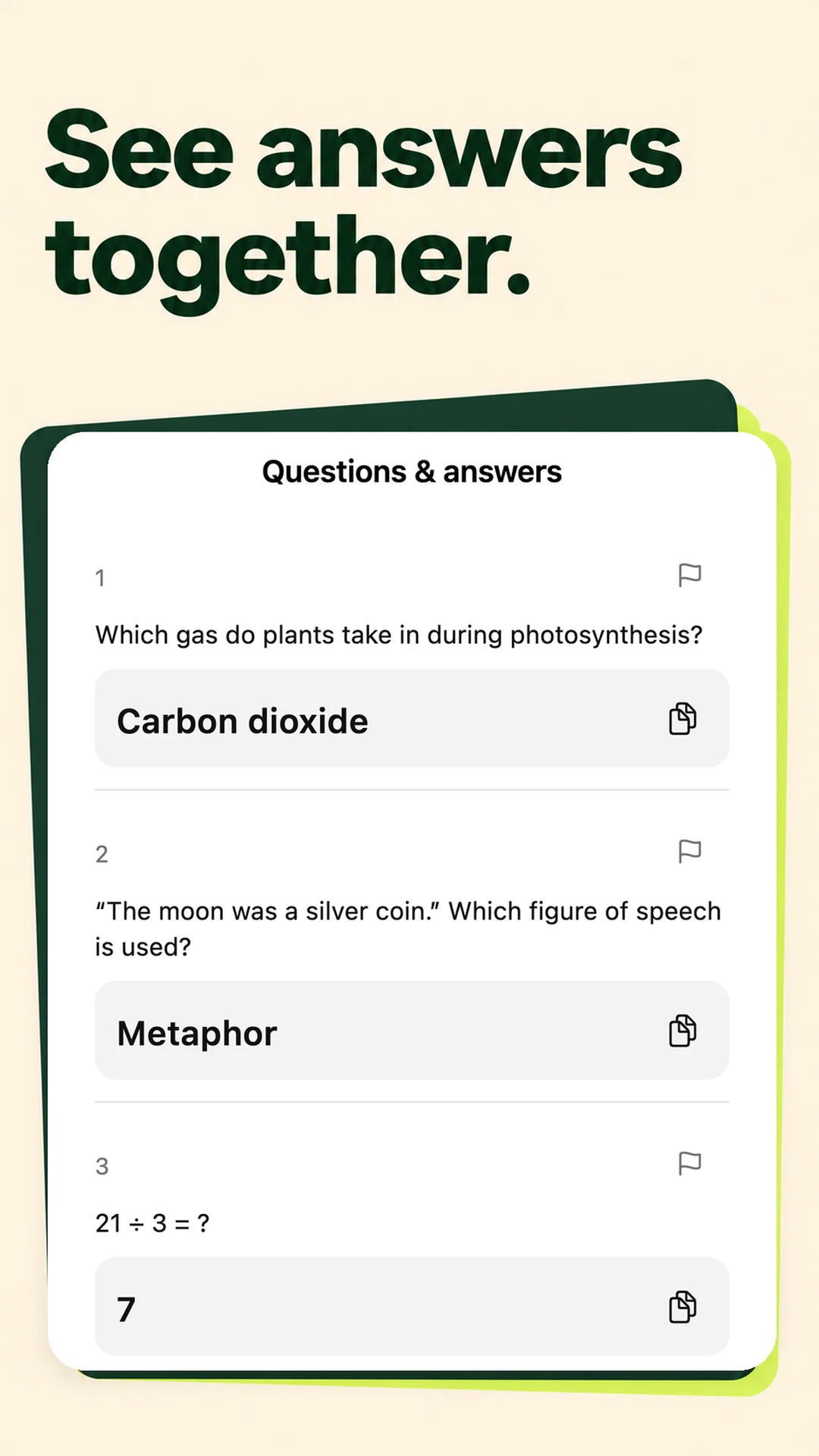
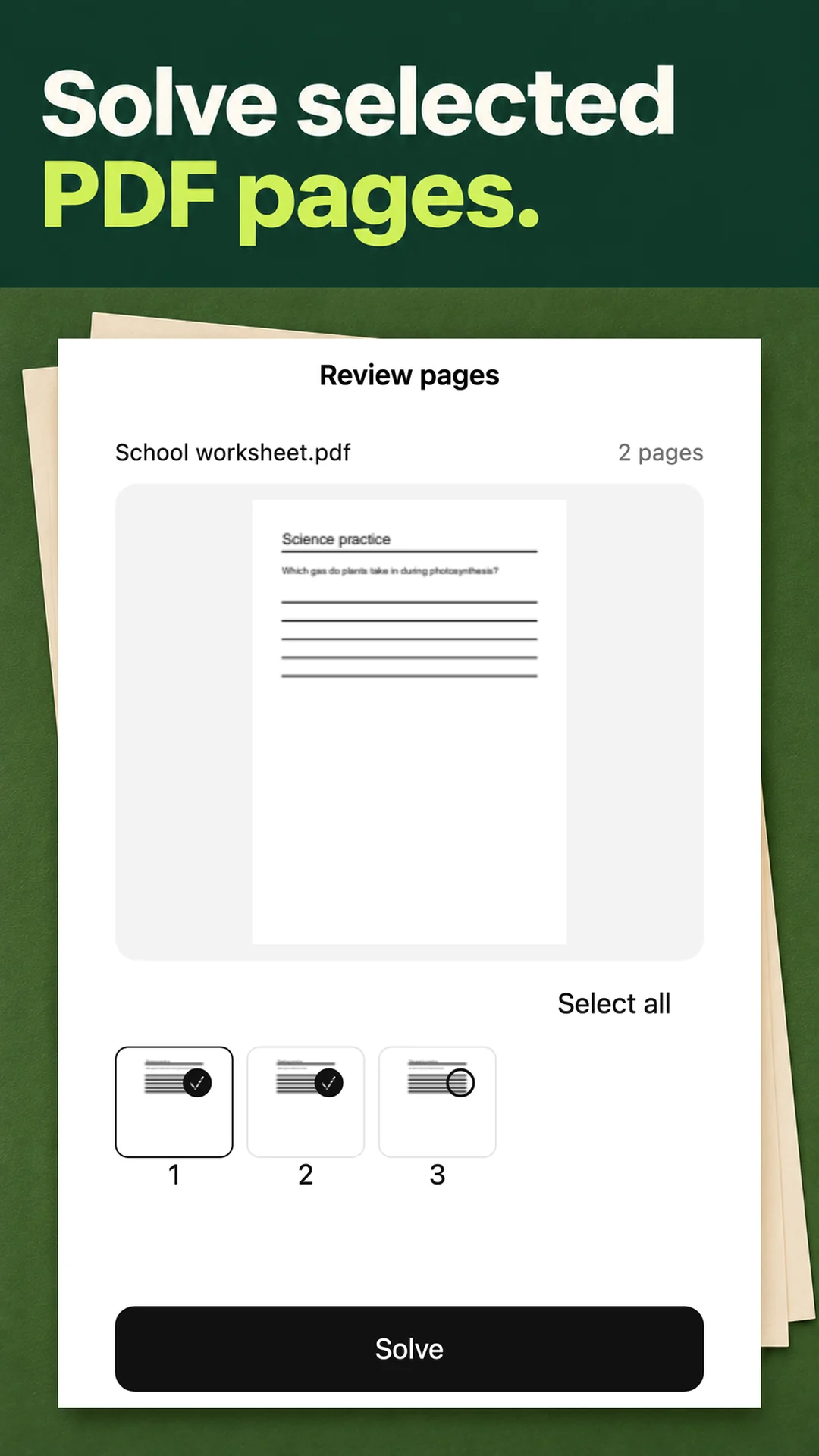
Solvegro is an AI homework solver for science, reading, math and other school subjects. Take a photo of a question, pick images from your gallery, or open a PDF and choose the pages you want help with. Get the questions and their answers together in one place.
Check your work one question or several pages at a time. See the answers in order and copy what you need. Find earlier results in History. You can also save captured pages as a PDF on your device.
Start with three pages a day. An optional subscription removes the daily page limit. Prices and renewal terms are shown in the app. AI can make mistakes, so check answers against your own work and class materials.
Photos and PDFs you haven't submitted stay on your device. The pages you choose to solve are processed online. You can remove cloud results and their photos from History, or delete your account in Settings.
Make Solvegro part of your day
Solvegro is for students who want to check their work and keep homework organized. Compare the answers with your own work and class materials.
Capture
Take a clear photo or choose images or PDF pages.
Check
Review each question and answer together. Check the result against your work.
Save
Find results in History or save captured pages as a local PDF.